|
|
|
0 members (),
1,359
guests, and
32
robots. |
|
Key:
Admin,
Global Mod,
Mod
|
|
S |
M |
T |
W |
T |
F |
S |
|
|
|
|
|
1
|
2
|
3
|
|
4
|
5
|
6
|
7
|
8
|
9
|
10
|
|
11
|
12
|
13
|
14
|
15
|
16
|
17
|
|
18
|
19
|
20
|
21
|
22
|
23
|
24
|
|
25
|
26
|
27
|
28
|
29
|
30
|
31
|
|
There are no members with birthdays on this day. |
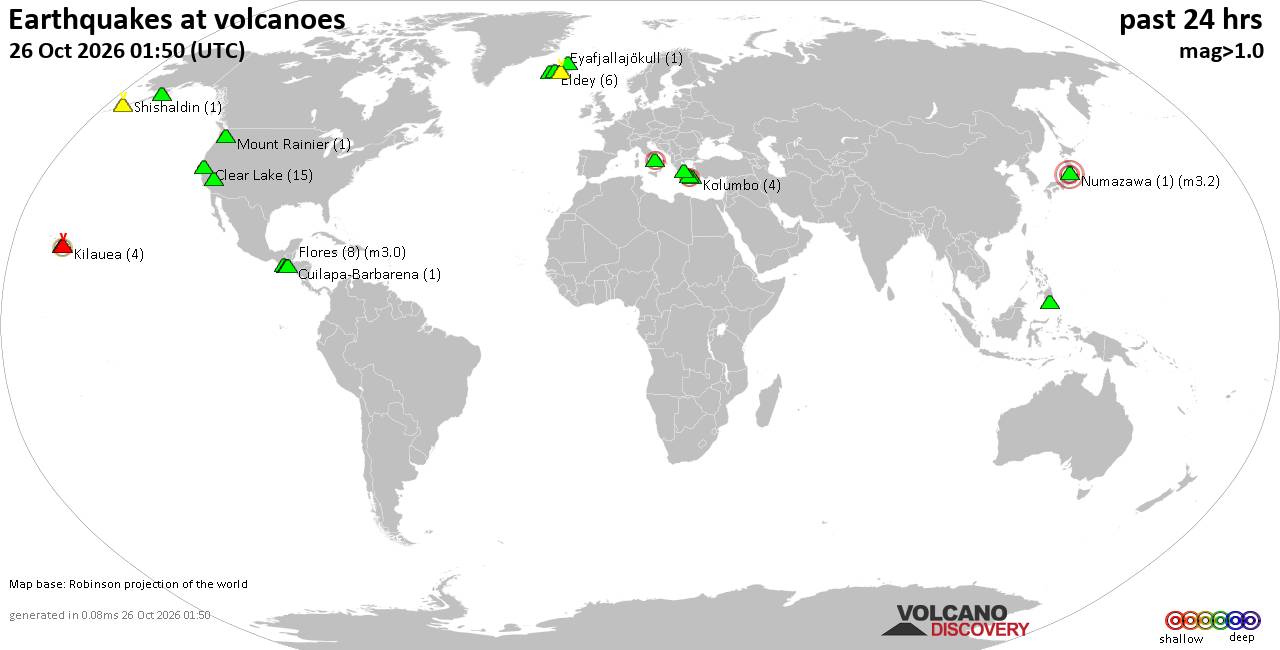
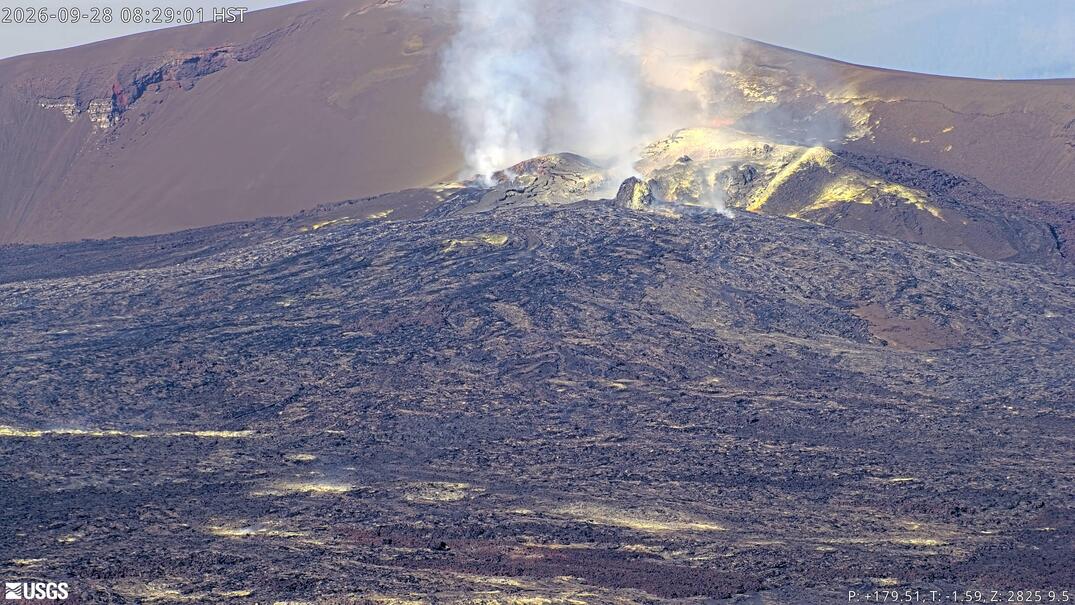
Volcano earthquake report for Monday, 26 October 2026
• M 0.5 - 7 km NW of Prague, Oklahoma
• M 2.3 - 14 km NE of Milford, Utah
• M 1.5 Quarry Blast - 6 km WNW of Catoosa, Oklahoma
• M 3.0 - 105 km ESE of Akutan, Alaska
• M 1.9 - 52 km SSW of Skwentna, Alaska
|

#27886
Fri 04 Mar 2005 08:07:AM
|
Joined: Oct 2004
Posts: 162
Astronaut Level 3
|
|
Astronaut Level 3
Joined: Oct 2004
Posts: 162 |
can any one tell me how i can format my win xp with out using the winxp coz ive tried formating it from the setup menue it didnt work and it cant read from my cd it says ''insert winxp proffesional and press Enter'' and ive put it in and pressed enter it didnt work can i format it in another way..<br />i think i have to type c:/format c: then enter<br />and then whats next..??.. <img border="0" title="" alt="[Big Grin]" src="images/icons/default/grin.gif" />
|
|



CMS The Best Conveyancing solicitors conveyancing quotes throughout the UK
For any webhosting enquiries please email webmaster@aus-city.com
|
|
Forums60
Topics894,782
Posts929,579
Members2,960
| |
Most Online102,106
Jul 10th, 2026
|
|
|
|
|

|