|
|
|
0 members (),
2,418
guests, and
25
robots. |
|
Key:
Admin,
Global Mod,
Mod
|
|
S |
M |
T |
W |
T |
F |
S |
|
|
|
1
|
2
|
3
|
4
|
5
|
|
6
|
7
|
8
|
9
|
10
|
11
|
12
|
|
13
|
14
|
15
|
16
|
17
|
18
|
19
|
|
20
|
21
|
22
|
23
|
24
|
25
|
26
|
|
27
|
28
|
29
|
30
|
|
|
|
|
There are no members with birthdays on this day. |
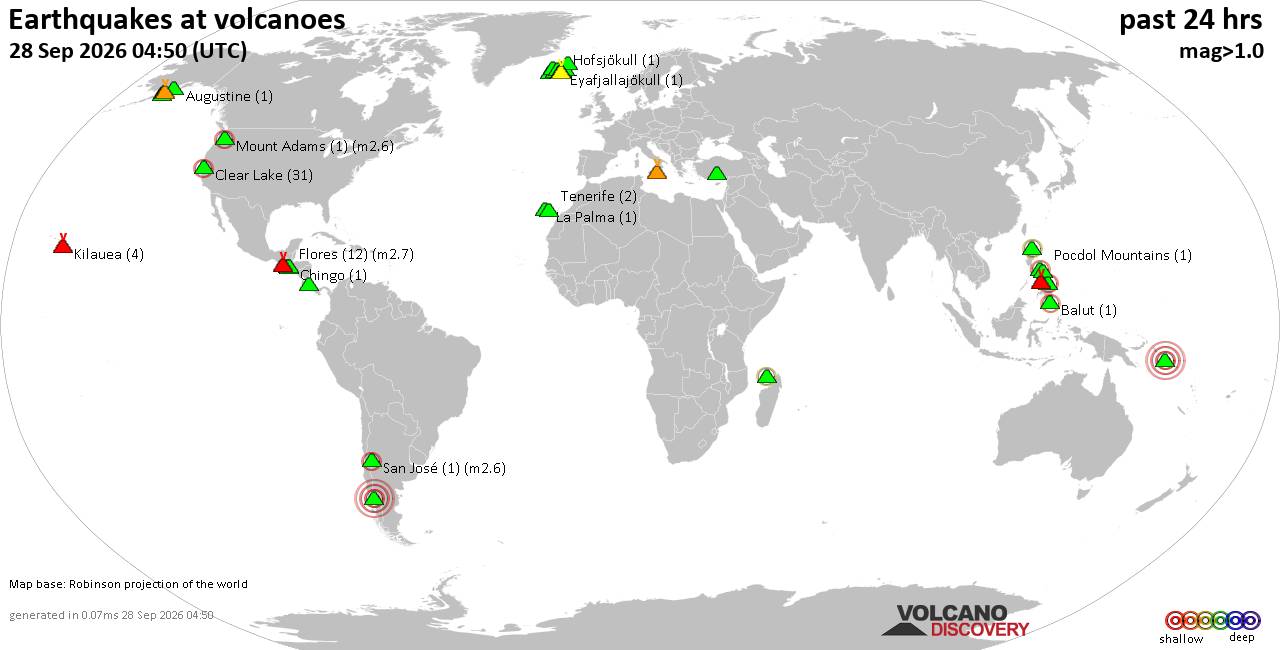
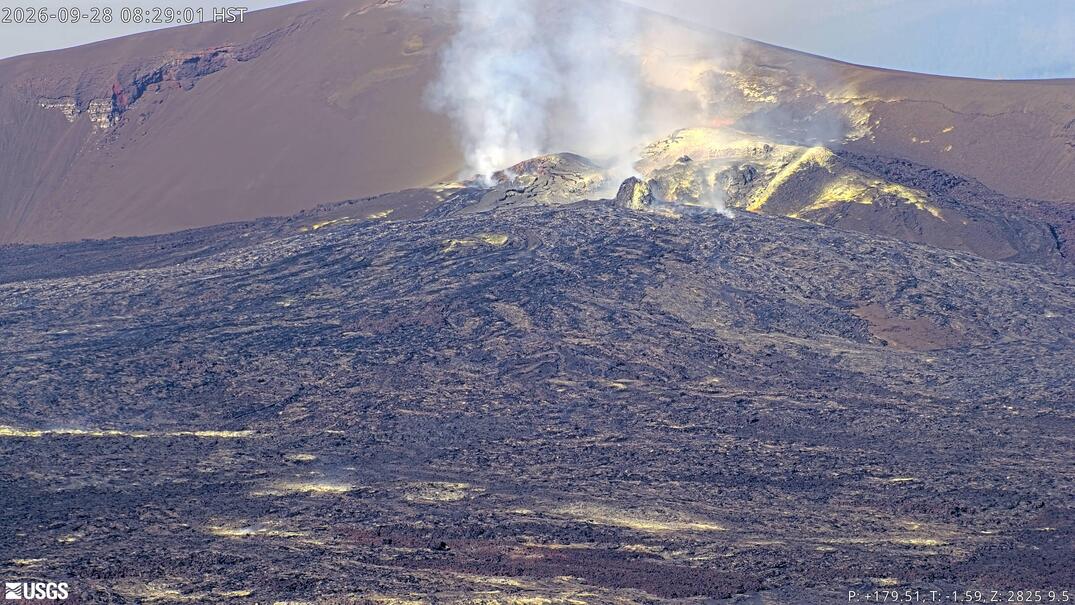
Volcano earthquake report for Monday, 28 September 2026
• Possible earthquake reported near Tokyo, Japan
• M 2.8 - 63 km ESE of Pedro Bay, Alaska
• M 1.4 - 16 km WSW of Johannesburg, CA
• M 1.7 - 11 km SE of Fern Forest, Hawaii
• M 1.6 - 77 km WNW of Karluk, Alaska
|

#482366
Fri 21 Dec 2018 08:39:PM
|
Joined: Feb 2001
Posts: 678,977
Launch Director
|
|
Launch Director
Joined: Feb 2001
Posts: 678,977 |
So you’ve got a new computer. Awesome! That humble metal box is the key to a wide world of potential. It can help you with everything from juggling your finances to keeping in touch with your family to blowing off some steam on, uh, Steam. But a new PC isn’t like a new car; you can’t just turn a key and put the pedal to the metal. Okay, maybe you can—but you shouldn’t. Performing just a few simple activities when you first fire it up can help it be safer, faster, and better poised for the future. Here’s how to set up a new laptop or desktop computer the right way, step by step. To read this article in full, please click here Source: How to set up your new computer
David Cottle
UBB Owner & Administrator
|
|



CMS The Best Conveyancing solicitors conveyancing quotes throughout the UK
For any webhosting enquiries please email webmaster@aus-city.com
|
|
Entire Thread
|
 How to set up your new computer
|
Webmaster
|
Fri 21 Dec 2018 08:39:PM
|
|
Forums60
Topics845,453
Posts880,248
Members2,960
| |
Most Online102,106
Jul 10th, 2026
|
|
|
|
|

|