|
|
|
0 members (),
1,762
guests, and
25
robots. |
|
Key:
Admin,
Global Mod,
Mod
|
|
S |
M |
T |
W |
T |
F |
S |
|
|
|
|
|
1
|
2
|
3
|
|
4
|
5
|
6
|
7
|
8
|
9
|
10
|
|
11
|
12
|
13
|
14
|
15
|
16
|
17
|
|
18
|
19
|
20
|
21
|
22
|
23
|
24
|
|
25
|
26
|
27
|
28
|
29
|
30
|
31
|
|
There are no members with birthdays on this day. |
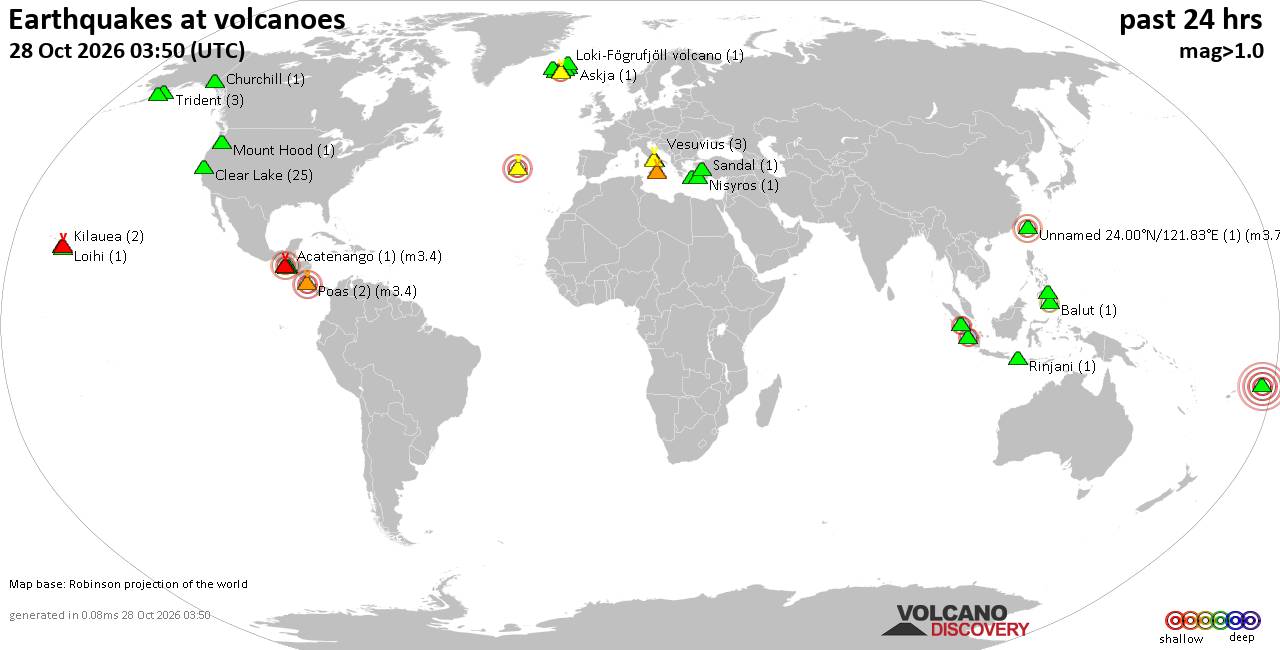
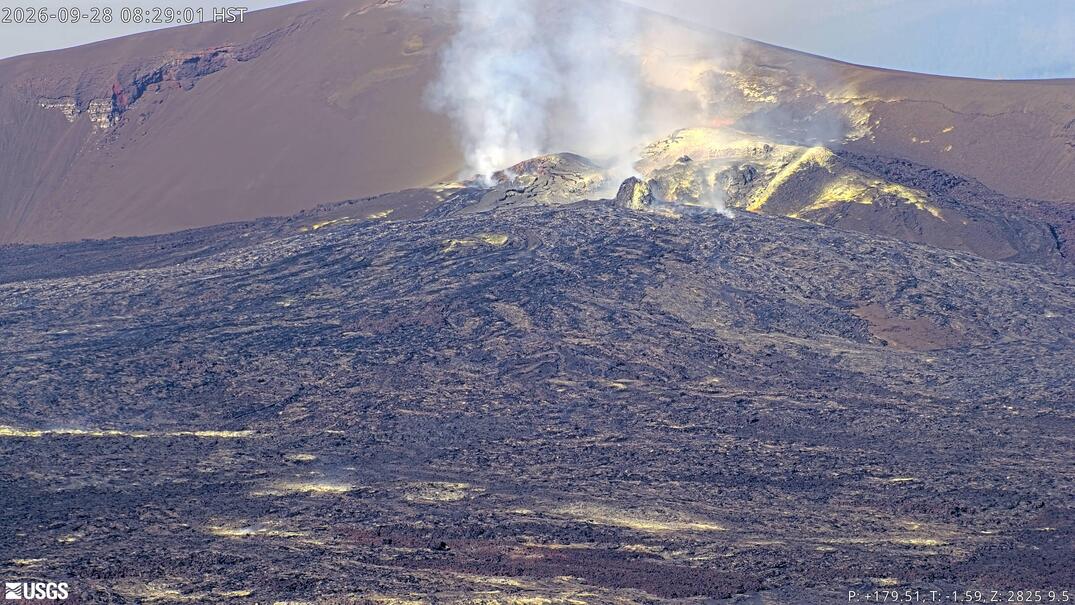
Volcano earthquake report for Wednesday, 28 October 2026
• M 1.1 - 4 km NNE of Bernardsville, New Jersey
• M 1.9 - 52 km ESE of Naalehu, Hawaii
• M 3.5 - 9 km NE of Korumburra, Australia
• M 1.6 - 4 km SE of Randolph, New Jersey
• M -0.9 - 64 km ENE of Pedro Bay, Alaska
• M 4.3 - Banda Sea
|


#10109
Sun 10 Apr 2005 07:55:AM
|
Joined: Oct 2004
Posts: 162
Astronaut Level 3
|
|
Astronaut Level 3
Joined: Oct 2004
Posts: 162 |
have u tried unpluging the machine from the powerpoint?..try that if it dosnt work press the the reset button at rear while the card is out from the slot...then insert the card in again and press the reset button if it dosnt work..press the the reset button at rear while u press 1,0,55 then 0 ..that will make the card active 4 the machine and it will work 100%...good luck if u try all of em dosnt work post ur problem again and i will help u..good luck.. <img border="0" title="" alt="[Wink]" src="images/icons/default/wink.gif" />
|
|



CMS The Best Conveyancing solicitors conveyancing quotes throughout the UK
For any webhosting enquiries please email webmaster@aus-city.com
|
|
Forums60
Topics897,906
Posts932,703
Members2,960
| |
Most Online102,106
Jul 10th, 2026
|
|
|
|
|

|