|
|
|
0 members (),
2,197
guests, and
25
robots. |
|
Key:
Admin,
Global Mod,
Mod
|
|
S |
M |
T |
W |
T |
F |
S |
|
1
|
2
|
3
|
4
|
5
|
6
|
7
|
|
8
|
9
|
10
|
11
|
12
|
13
|
14
|
|
15
|
16
|
17
|
18
|
19
|
20
|
21
|
|
22
|
23
|
24
|
25
|
26
|
27
|
28
|
|
29
|
30
|
|
|
|
|
|
|
There are no members with birthdays on this day. |
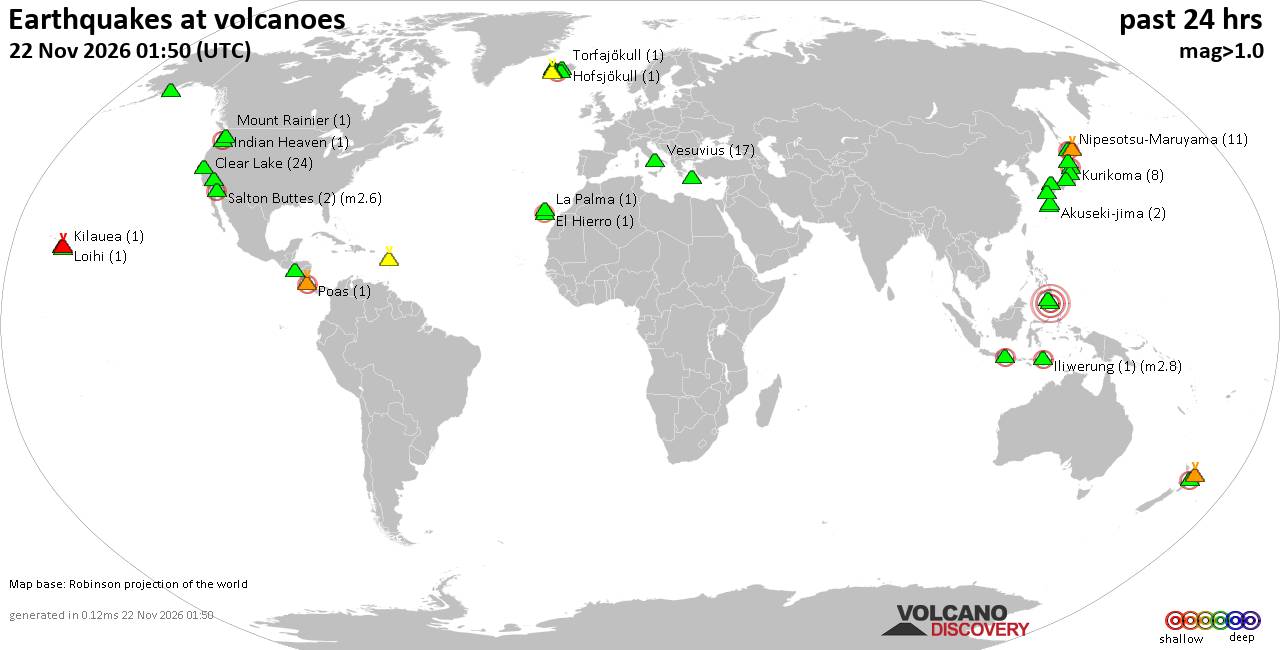
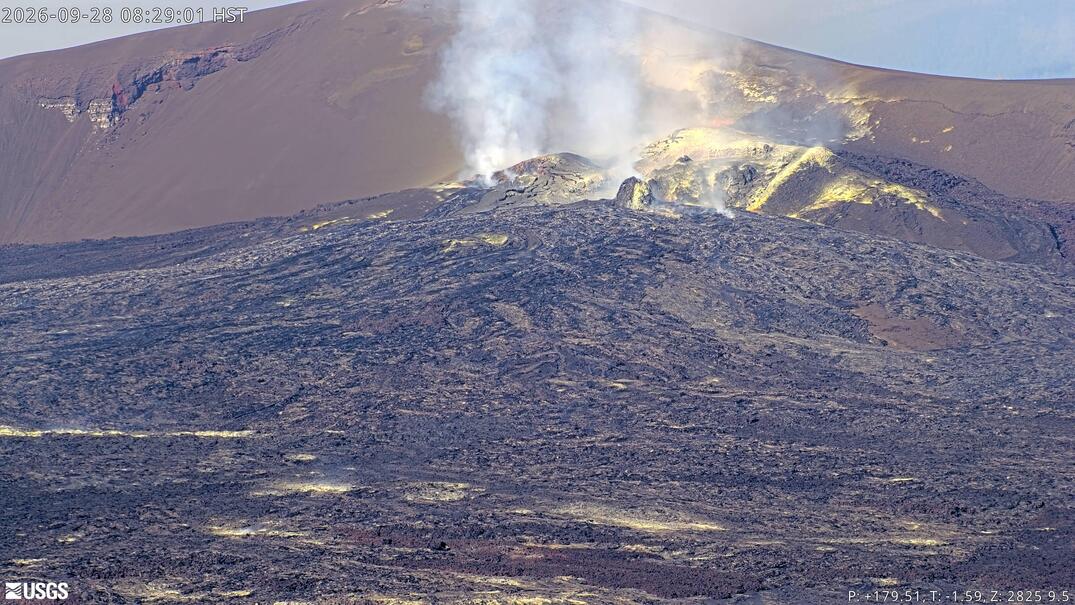
Volcano earthquake report for Sunday, 22 November 2026
• Moderate mag. 4.5 earthquake - 73 km north of Calama, Provincia de El Loa, ...
• Magnitude 5.2 earthquake strikes near Cerro de Pasco, Pasco Province, Depar...
• M 2.0 - 8 km NW of Pinnacles, CA
• M 2.7 - 26 km WNW of Yachats, Oregon
• M 5.0 - 15 km NNE of Carhuamayo, Peru
|

#8467
Tue 14 Sep 2004 07:25:AM
|
Joined: Aug 2003
Posts: 13
Astronaut Level 1
|
|
Astronaut Level 1
Joined: Aug 2003
Posts: 13 |
Sorry, Thunderstruck - my last response was based on my assumption that you had successfully re-tuned to TARBS, and we seemed to be writing posts at the same time<br /><br />A simpler and alternate method is hook everything up via Audio Video leads - ie AV OUT from TARBS to AV- IN at the back of your TV - The TARBS screen / menu/ coloured bars etc, SHOULD be visible when you tune your tv to its AV channel, and of course the TARBS box should be switched on - if not ...well, there may be other probs.<br /><br />As a matter of interest, are your orange and green lights lit up on the front of your TARBS box - at least that way you know the box is active and not dead. This method should at least ensure your tarbs decoder box-to-tv connections are ok.
|
|



CMS The Best Conveyancing solicitors conveyancing quotes throughout the UK
For any webhosting enquiries please email webmaster@aus-city.com
|
|
Forums60
Topics940,686
Posts975,483
Members2,960
| |
Most Online102,106
Jul 10th, 2026
|
|
|
|
|

|