|
|
|
0 members (),
962
guests, and
27
robots. |
|
Key:
Admin,
Global Mod,
Mod
|
|
S |
M |
T |
W |
T |
F |
S |
|
|
|
|
|
1
|
2
|
3
|
|
4
|
5
|
6
|
7
|
8
|
9
|
10
|
|
11
|
12
|
13
|
14
|
15
|
16
|
17
|
|
18
|
19
|
20
|
21
|
22
|
23
|
24
|
|
25
|
26
|
27
|
28
|
29
|
30
|
31
|
|
There are no members with birthdays on this day. |
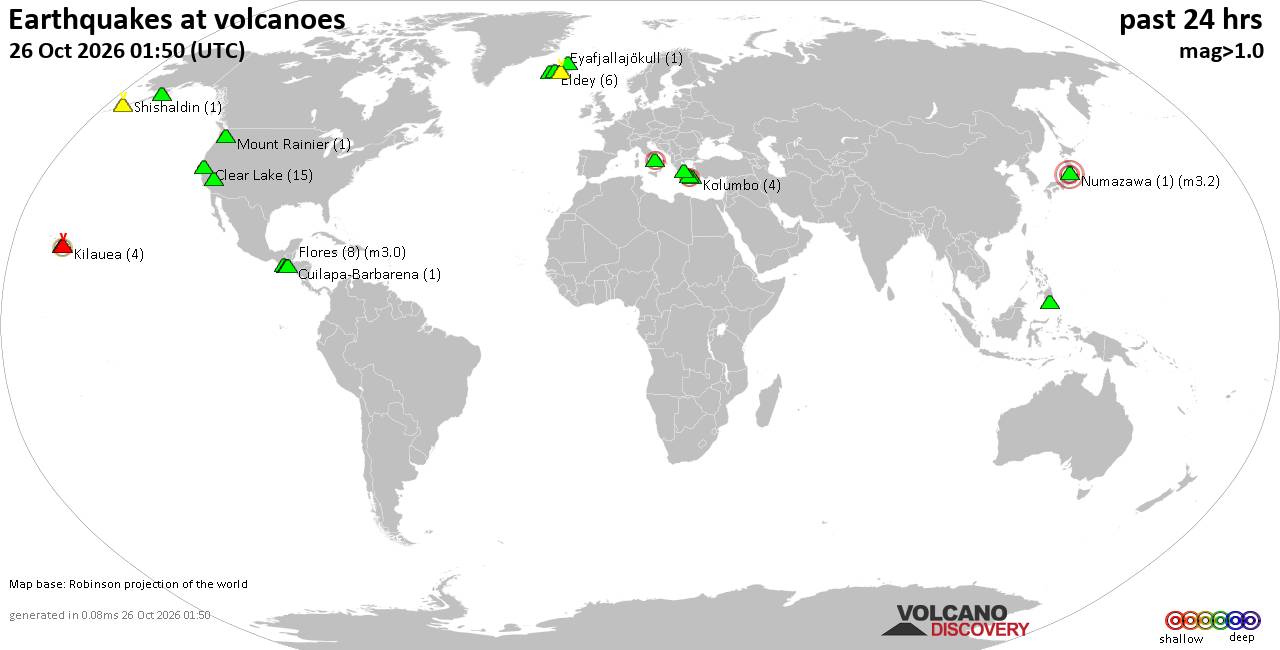
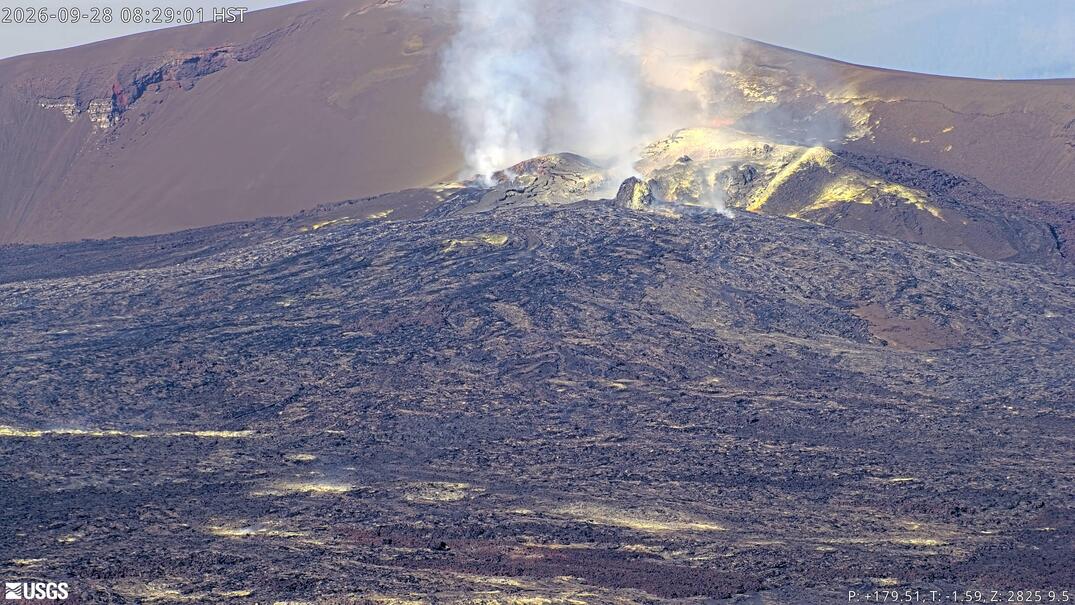
Volcano earthquake report for Monday, 26 October 2026
• M 4.6 - 193 km SE of Attu Station, Alaska
• M 1.3 - 62 km SW of Dugway, Utah
• M 0.7 - 1 km ENE of Calimesa, CA
• M 0.5 - 23 km ENE of Ashford, Washington
• M 1.7 - 14 km SSE of Fern Forest, Hawaii
• M 1.2 - 7 km ESE of Cloverdale, CA
|

#27887
Fri 04 Mar 2005 12:11:AM
|
Joined: Nov 2004
Posts: 495
Payload Specialist Level 1
|
|
Payload Specialist Level 1
Joined: Nov 2004
Posts: 495 |
sookeye06, there are few ways to format a hdd. If a new WinXP will be installed, bootup sequence must be set to cdrom first in bios so the computer boots up from the cdrom.. After setting up the bios, save and exit then put the WinXP cd to the cdrom and press the reset. Select the option to install the WinXP when requested then select the format type when asked...rest will be done by the winxp. If something else to be installed then you may need to use a disk manager program suitable to your hdd brand...Find the disk manager program and prepare a bootable diskette to start from A: "floppy" drive then do low or high level formatting with system transfer...You can also use a bootable cdrom for the disk manager as well.. Good luck and let me know how you manage the task..
|
|



CMS The Best Conveyancing solicitors conveyancing quotes throughout the UK
For any webhosting enquiries please email webmaster@aus-city.com
|
|
Forums60
Topics895,131
Posts929,928
Members2,960
| |
Most Online102,106
Jul 10th, 2026
|
|
|
|
|

|