|
|
|
1 members (Alisa),
1,704
guests, and
19
robots. |
|
Key:
Admin,
Global Mod,
Mod
|
|
S |
M |
T |
W |
T |
F |
S |
|
1
|
2
|
3
|
4
|
5
|
6
|
7
|
|
8
|
9
|
10
|
11
|
12
|
13
|
14
|
|
15
|
16
|
17
|
18
|
19
|
20
|
21
|
|
22
|
23
|
24
|
25
|
26
|
27
|
28
|
|
29
|
30
|
|
|
|
|
|

M 4.3 - 24 km SE of Kasilof, Alaska
• M 3.2 - 77 km N of Charlotte Amalie, U.S. Virgin Islands
• M 1.7 - 9 km SSW of Santa Isabel, Puerto Rico
• M 2.0 - 15 km NNE of Milford, Utah
• M 2.0 - 8 km S of Santa Isabel, Puerto Rico
• M 6.0 - 58 km SSE of Shima, Japan
|
|
|
Joined: Dec 2002
Posts: 95,834
Launch Director
|
|
Launch Director
Joined: Dec 2002
Posts: 95,834 |
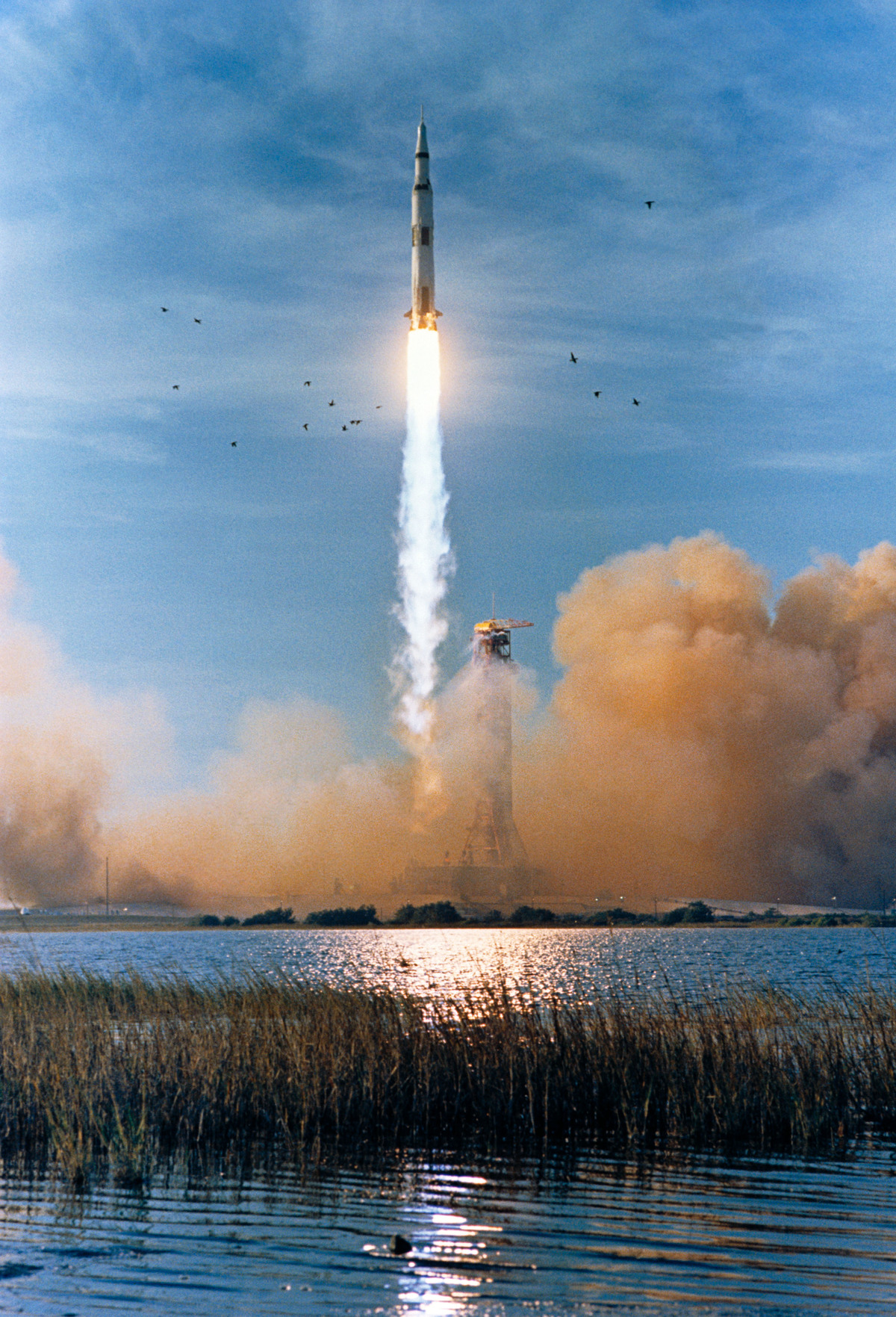
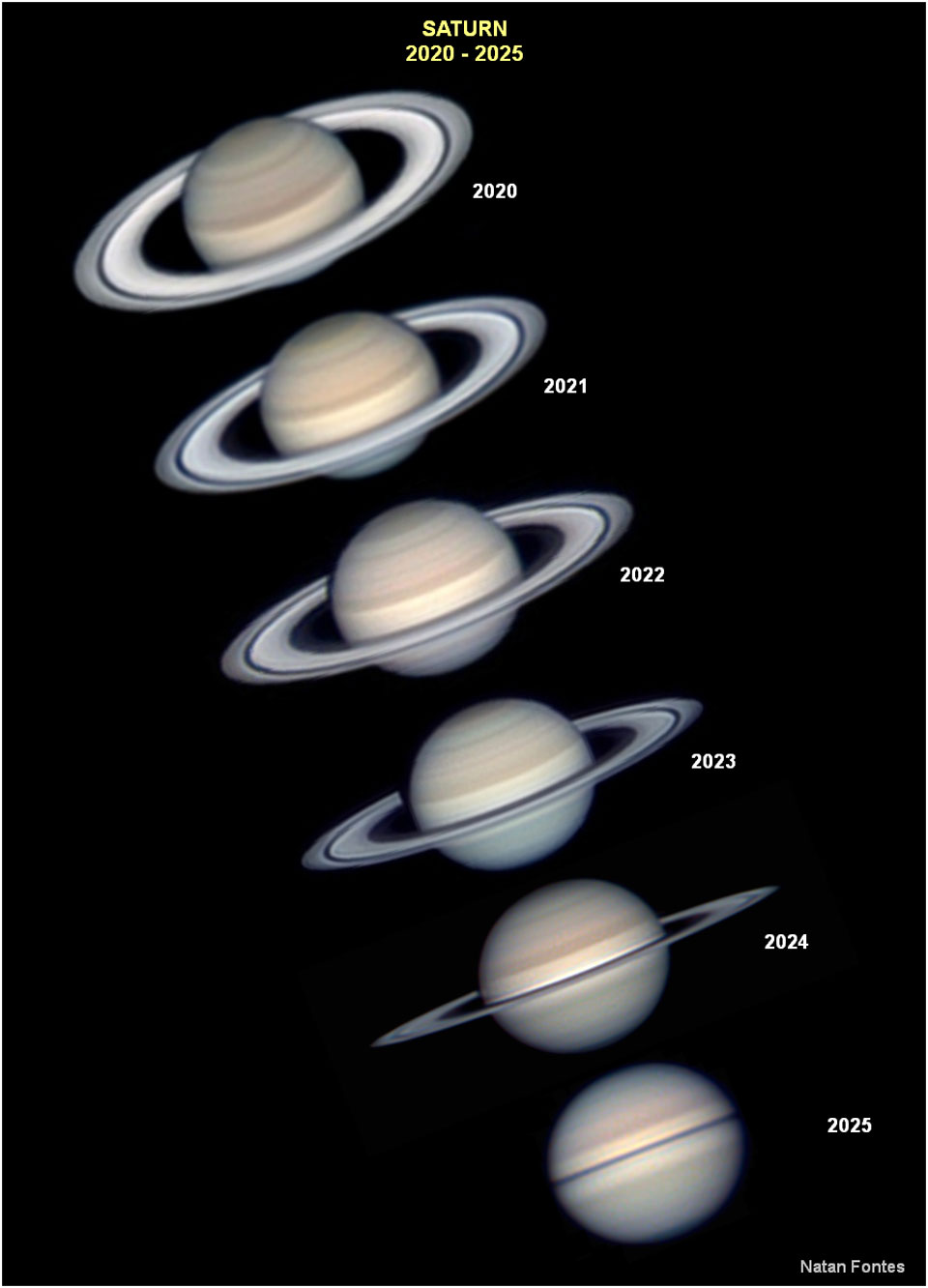
Congratulations!  You are mastering all of this quickly. It is true.  I think the confusion may have been that you can't "see" the photos during preview when using File Manager. You only see them show up after you "Submit" your post. What happens is...File Manager opens a window to allow you to browse your personal directories so you can choose one of your files. Then it uploads a copy of this file onto the forum server where it is stored. And yes, you should be able to do this in any forum here. There is a limit as to how many photos you can attach through file manager PER post. I think 3 photos. But if you have more, just do another follow up post and attach more. As for sizing your images...what is your photo paint program called?
|
|



CMS The Best Conveyancing solicitors conveyancing quotes throughout the UK
For any webhosting enquiries please email webmaster@aus-city.com
|
|
Forums60
Topics905,190
Posts939,987
Members2,960
| |
Most Online102,106
Jul 10th, 2026
|
|
|
|
|

|