|
|
|
0 members (),
1,477
guests, and
33
robots. |
|
Key:
Admin,
Global Mod,
Mod
|
|
S |
M |
T |
W |
T |
F |
S |
|
|
|
|
|
1
|
2
|
3
|
|
4
|
5
|
6
|
7
|
8
|
9
|
10
|
|
11
|
12
|
13
|
14
|
15
|
16
|
17
|
|
18
|
19
|
20
|
21
|
22
|
23
|
24
|
|
25
|
26
|
27
|
28
|
29
|
30
|
31
|
|
There are no members with birthdays on this day. |
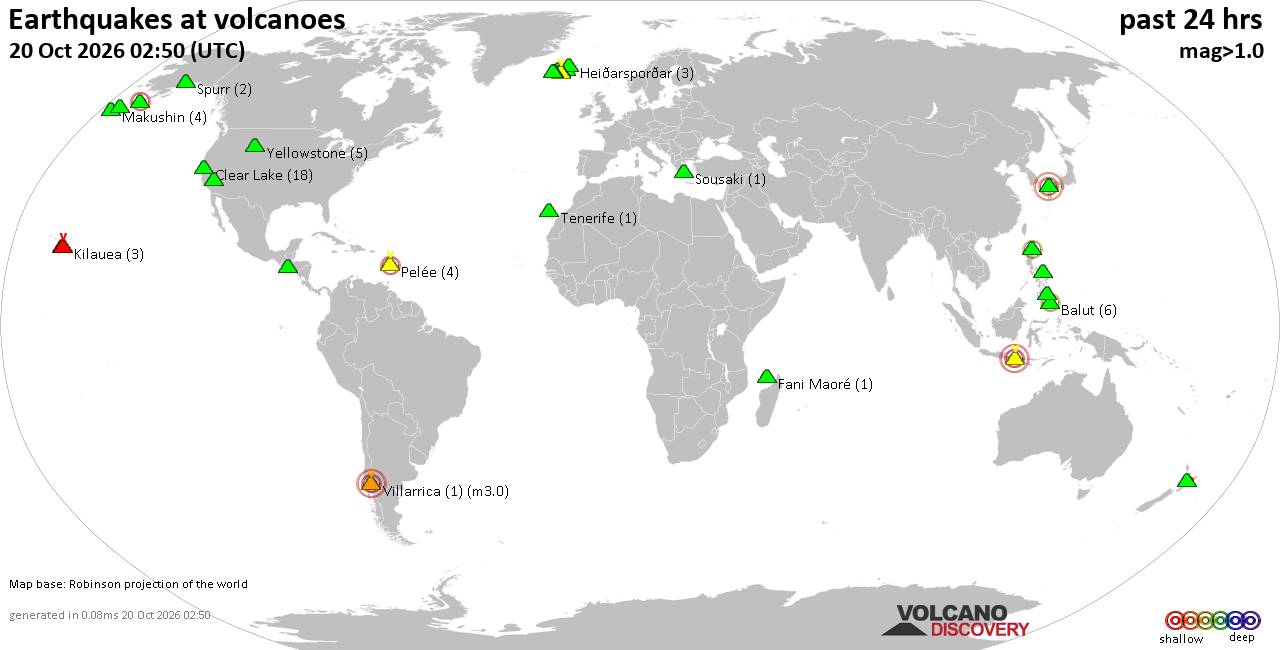
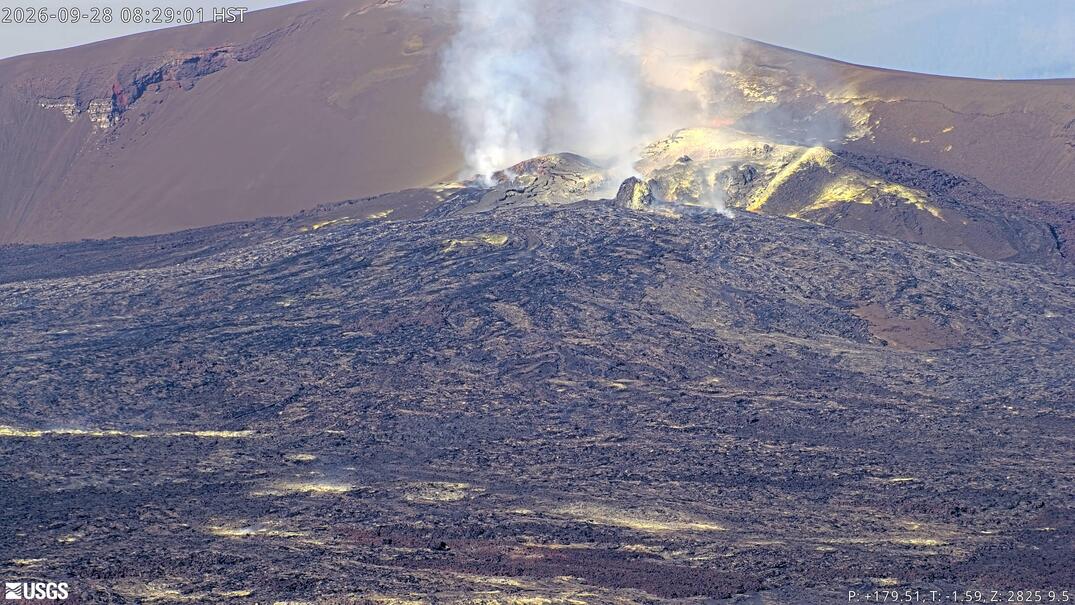
Volcano earthquake report for Tuesday, 20 October 2026
• M 1.8 - 4 km NW of The Geysers, CA
• M 2.1 - 46 km WNW of Tyonek, Alaska
• M 1.5 - 57 km SSE of Manley Hot Springs, Alaska
• M 3.1 - 254 km SSE of Perryville, Alaska
• M 0.3 - 3 km WSW of Anza, CA
|
|
|
Joined: Dec 2002
Posts: 95,831
Launch Director
|
|
Launch Director
Joined: Dec 2002
Posts: 95,831 |
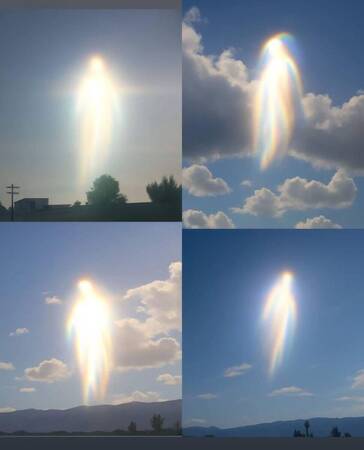
Thanks for the feedback Orb Queen!  In highlighting this photo, all I did was apply a function under the color menu under "map" called "alien map". It's an algorithm of some sort that brings out features in the photo. That's all there was to it in this case. :vhappy: To load photos, be sure they are not too huge. These little ufo photos were small so no problem.
Save them to your computer.
Then when making a post, click "File Manager" (below where you type post)
File Manager allows you to browse your computer drives to find the photo.
Choose the file/photo you want. Click "add file".
When finished (3 or 5 photos allowed, can't remember) then click "done adding files".
You won't see the photos UNTIL you have submitted your post (unfortunately). You'll just have to trust they'll show up.
|
|



CMS The Best Conveyancing solicitors conveyancing quotes throughout the UK
For any webhosting enquiries please email webmaster@aus-city.com
|
|
Forums60
Topics884,386
Posts919,183
Members2,960
| |
Most Online102,106
Jul 10th, 2026
|
|
|
|
|

|